Site Logo
Crano AI
Image to Video AI ImageAI Music
AI Tools
ExploreCreatePricing
AI Tools
  • Image to Video
  • Text to Video
  • AI Image Generator
  • AI Music Generator
  • Mimic Motion
  • AI Anime Video Generator
  • AI Cinematic Video Generator
  • AI Short Drama Generator
  • Uncensored AI Image Generator and Editor
  • Uncensored AI Video Generator and Editor
View More (+2)
Policies
  • Contact Us
  • Terms
  • Privacy Policy
  • Refund Policy
Sponsor
  • thepornlist.net
  • paidpornselection
  • ThePornLinks.com
  • The Best Fetish Sites
Site Logo
Crano AI

Make AI Generation simple and efficient
Copyright © 2026 Crano AI All rights reserved

  • Email
Featured on AIHAVEN

Uncensored AI Image Generator and Editor

Uncensored Image to image or text to image, start for free online
AI accurately understands your creative intent, with no content restrictions, no filters, and 4K+ image output

Image to Video

AI Image

Text to Video

Reference to Video

Video Editor

Video Extender

Mimic Motion

More
Max 4 imgs
0/3000
Original
2K
2 Outputs

Create Any Image, Any Style, Without Limits

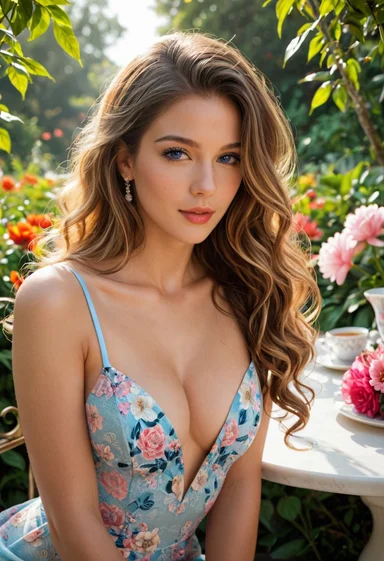
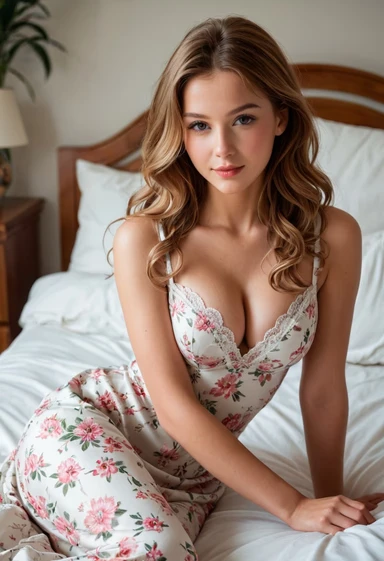
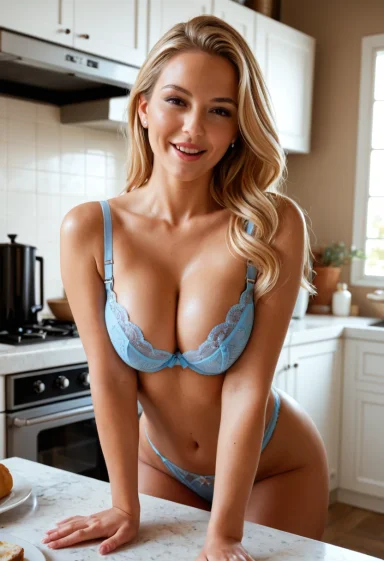
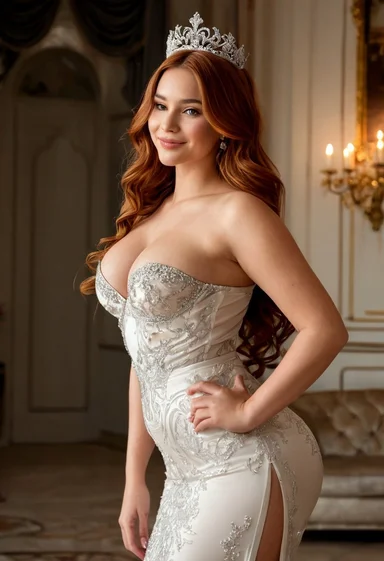
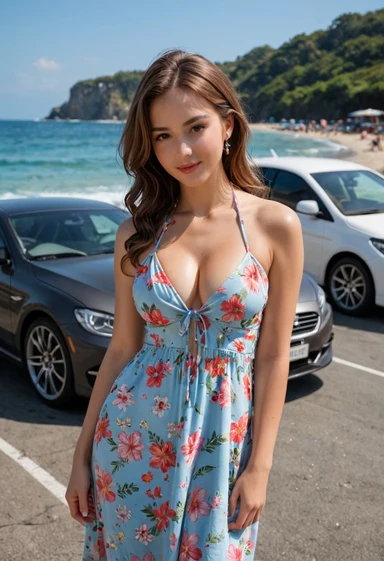
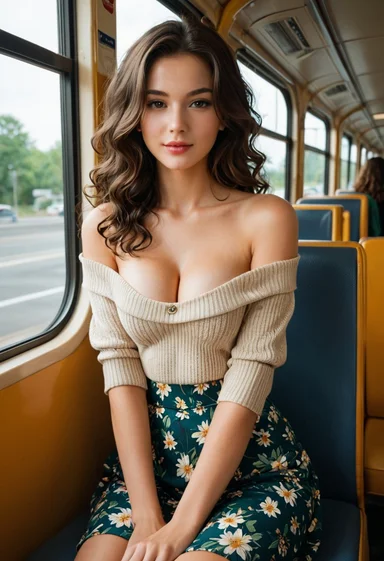
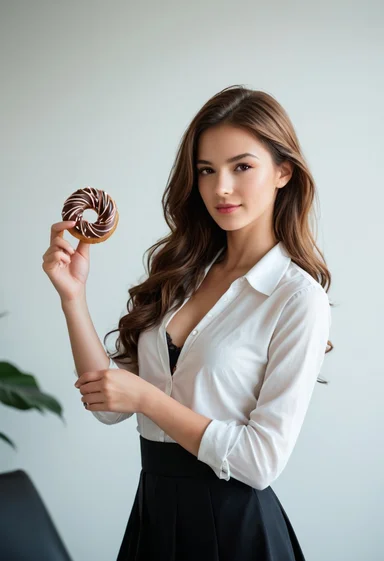
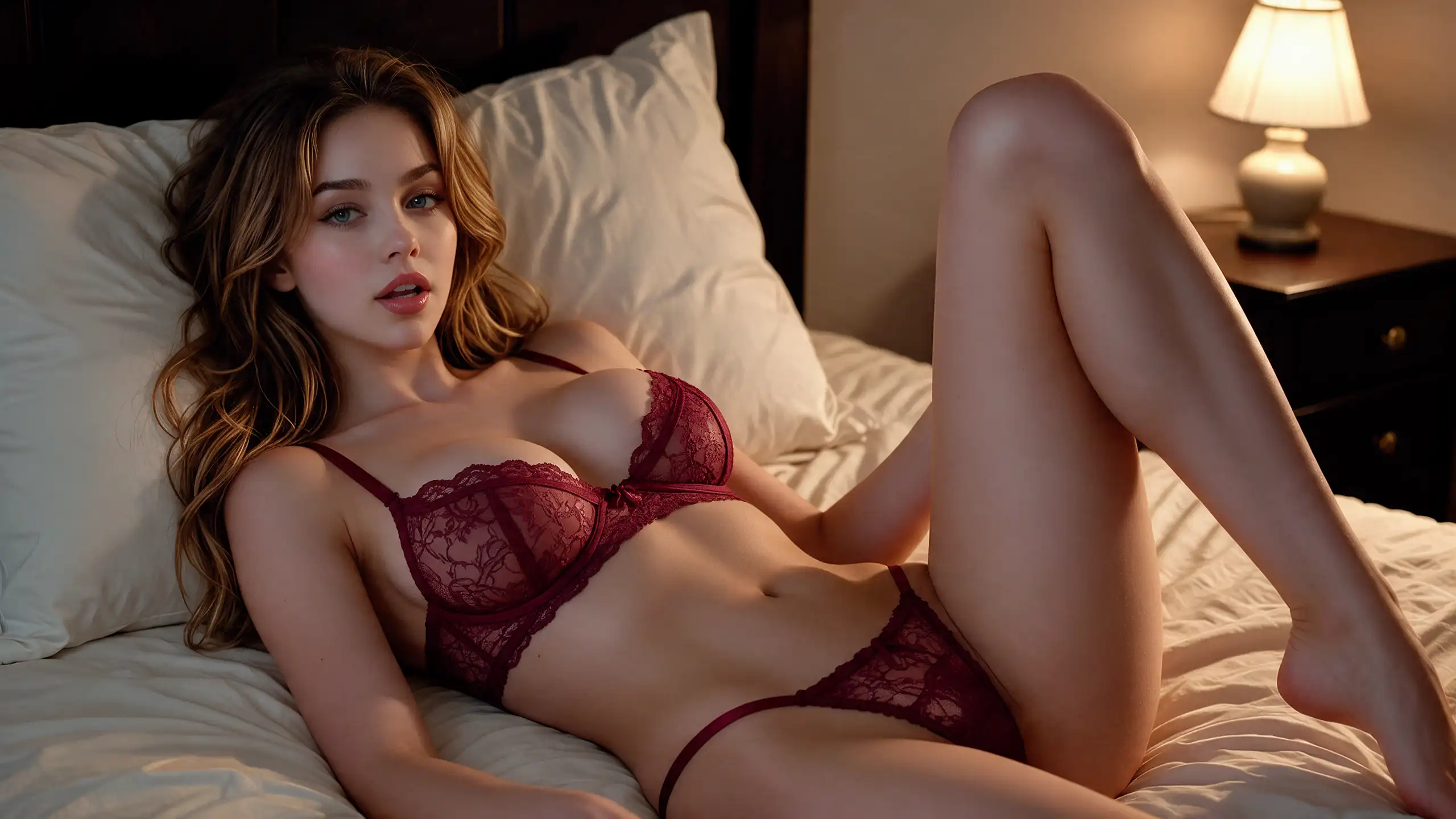
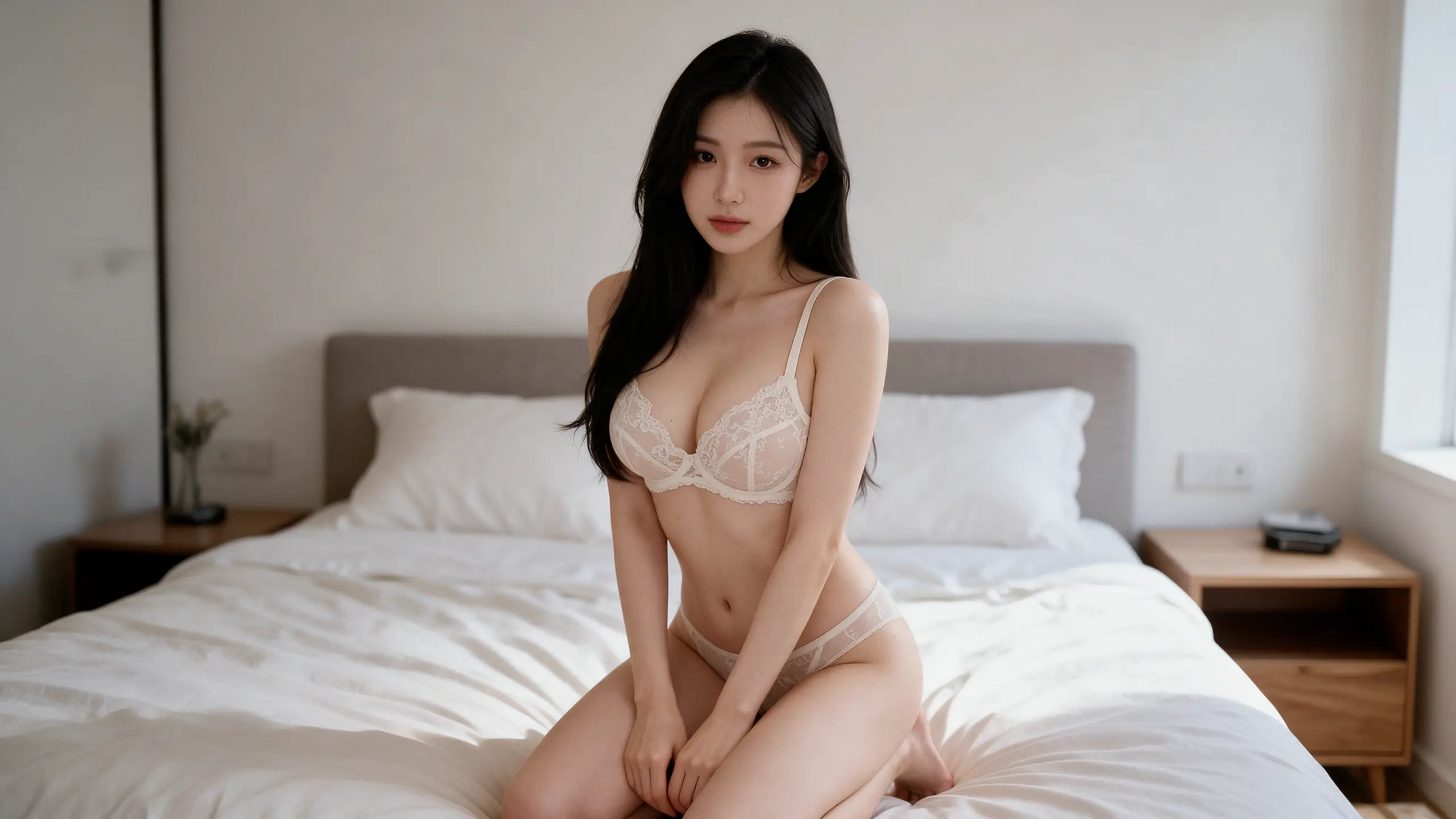
The generation results are shown in the images below. Choose any image to recreate or remix, and explore endless styles without limits

Image Case 1
Image Case 2
Image Case 3
Image Case 4
Image Case 5
Image Case 6
Image Case 7
Image Case 8
Image Case 9
Image Case 10
Image Case 11
Image Case 1
Image Case 2
Image Case 3
Image Case 4
Image Case 5
Image Case 6
Image Case 7
Image Case 8
Image Case 9
Image Case 10
Image Case 11
Image Case 1
Image Case 2
Image Case 3
Image Case 4
Image Case 5
Image Case 6
Image Case 7
Image Case 8
Image Case 9
Image Case 10
Image Case 11
Image Case 1
Image Case 2
Image Case 3
Image Case 4
Image Case 5
Image Case 6
Image Case 7
Image Case 8
Image Case 9
Image Case 10
Image Case 11
Create freely

How Crano AI Uncensored Image Generator Works

Uncensored AI Image Generator works by first analyzing your prompt and reference images to accurately identify key details, visual features, characters, scenes, actions, expressions, and style preferences. It then selects the most suitable model from 30+ top uncensored AI image models, each fine-tuned for different creative needs and scenarios. Based on the extracted information, the system generates images that better match your intended concept, composition, and visual direction. Most importantly, users enjoy complete creative freedom — no content restrictions, no filters, and no blocks on input information or output images.

30+ Top Uncensored Image Models

Wan 2.7, Z-Image-Turbo, Grok Imagine, Seedream 5.0, Krea 2 Turbo, Pony Diffusion V6 XL, Pony Realism, Unstable Diffusers XL, CyberRealistic Classic, Animagine XL 4.0, ZavyChromaXL, STOIQO NewReality FLUXSD XL PRO, Blue Pencil XL, DevlishPhotoRealism, Crystal Clear XL, CyberRealistic Pony, NightVision XL, A-Zovya RPG Artist Tools, Real Dream XL-Pony-11, Real Dream XL-Pony-9, NewRealityXL Photographic, DynaVisionXL, Analog Madness SDXL, PicX Real, Juggernaut XL, CyberRealistic XL, ThinkDiffusionXL, Animagine XL, Omnium XL, DevlishPhotoRealism XL, Pixel Alchemy Hyper, FaeTastic Details XL, STOIQO NewReality FLUXSD

How to Use Uncensored AI Image Generator

1. Enter Prompt or Upload Image

The prompt should clearly describe what you want to create or modify in the image, with as many details as possible. For example, include character features such as age, gender, hairstyle, facial expression, pose, clothing, scene, camera angle, lighting, and overall style. For image-to-image tasks, the prompt should be logically consistent with the uploaded image, and the uploaded image should be clear.

2. Select the image-to-image or text-to-image mode an uncensored image model

The AI model analyzes and combines the input text prompts and reference images to understand the desired subject, style, composition, mood, color palette, and visual details. Based on this multimodal understanding, it generates an optimized image creation workflow that guides the model from concept interpretation to final visual output, ensuring consistency, accuracy, and uncensored image generation.

3. Generate, Fine-tune and Download

Fine-tune the generated result based on user preferences and feedback, adjusting key details such as style, composition, colors, lighting, and overall quality. Once the image meets the desired standard, download the final output for further use, sharing, or publishing.

What Can You Use Uncensored AI Image Generator For?

Adult creators

Make adult characters and scenes that match your brief, without guardrails cutting in mid-flow.

Product showcases

Turn rough shots or sketches into clean product visuals for a store, deck, or launch page.

Art creation & editing

Fix hands, swap backgrounds, adjust lighting, or rework a piece without starting over.

AI fashion models

Generate consistent model shots for apparel or product mockups without booking a studio.

Ads & promo

Whip up campaign visuals, social posts, and banners that don't look like generic stock photos.

Illustration • Manga • Manhwa

Create panel-ready pages, covers, and character sheets in the exact style you're aiming for.

Why choose Crano AI Uncensored AI Image Generator?

30+ Uncensored Models

Anime, realistic, artistic - whatever you need, there's a model for it. No filters, no limits.

100% Private and Secure & Deletable

Everything you make stays yours. Delete it and it's gone - no backups, no trace.

Fast - Ready in 20 Seconds

Skip the wait. Your image is done in about 20 seconds.

Write Better Prompts for Uncensored Image Models

Lead with the subject:
Start with who or what should appear, then add the action, setting, and mood. Clear priorities help the model follow your idea.
Use details the model can see:
Describe clothing, posture, materials, colors, lighting, and camera angle instead of relying on vague words.
Say what to include—and avoid:
Uncensored models allow more freedom, but they still benefit from clear limits. Mention unwanted objects, styles, or framing directly.
Write naturally, then refine:
Begin with a readable sentence. Add precise visual details only where they matter, rather than filling the prompt with disconnected keywords.
Drop the filler:
Long prompts turn into visual noise. Keep a few strong details, cut the rest, and let the model do its thing.
Create Images
feature case

Edit Freely with an Uncensored Image Editor

Make Targeted Changes:
Adjust clothing, objects, colors, or backgrounds without rebuilding the whole image.
Preserve the Original Look:
Keep the composition, lighting, facial features, and visual style consistent across each edit.
Describe Edits Naturally:
Say what should change—and what should stay untouched—in clear, everyday language.
Edit with Fewer Limits:
Use an uncensored AI image editor for more creative freedom while maintaining precise control over the result.
Create Images
feature case

Frequently Asked Questions

Is the uncensored AI image generator free?

Yes, Crano AI provides free credits to get started with uncensored image generation, plus daily check-in credits. All uncensored AI image models are available to use. Paid plans start at $10/month and include more credits and access to higher-resolution image generation.

What resolutions and image sizes are supported?

Supported resolutions: 1K, 2K, 3K, and 4K.
Supported aspect ratios: Adaptive, 9:16, 16:9, 3:4, 4:3, 2:3, 3:2, 1:1, and 21:9.
Higher resolutions and more aspect ratios will be supported in the future.

Which uncensored AI model should I choose?

We place the best uncensored AI image models at the top of the model list. Each model includes a description of its key features. Currently, the Seedream and Wan model series deliver excellent results across a wide range of use cases, so we recommend trying them first.

What image styles can I generate?

You can generate virtually anything you can imagine, including selfies, photographs, photorealistic images, anime, oil paintings, watercolors, 3D art, pixel art, and more.

Are the generated images private?

Your images are 100% private and secure and will not be made public. You have full control over editing and deleting them.

Does Crano AI support uncensored AI video generation?

Yes. Both the reference inputs and generated videos are uncensored, unrestricted, and unfiltered. Our multimodal AI video models support reference videos, images, and audio.

Create and Edit Images Without Limits

Create what you want — no restrictions, no filters, nothing blocked

Try Uncensored AI Image Generator Free