
Como comprar PYUSD no PayPal e transferi-lo
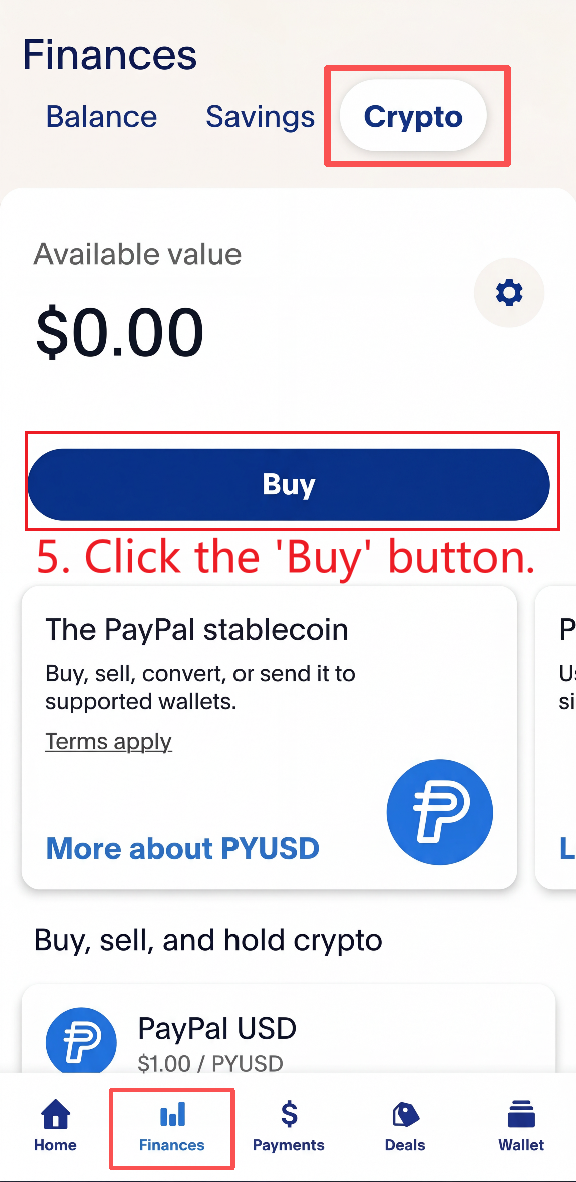
1. Vá para Finanças → Cripto e clique no botão "Comprar".
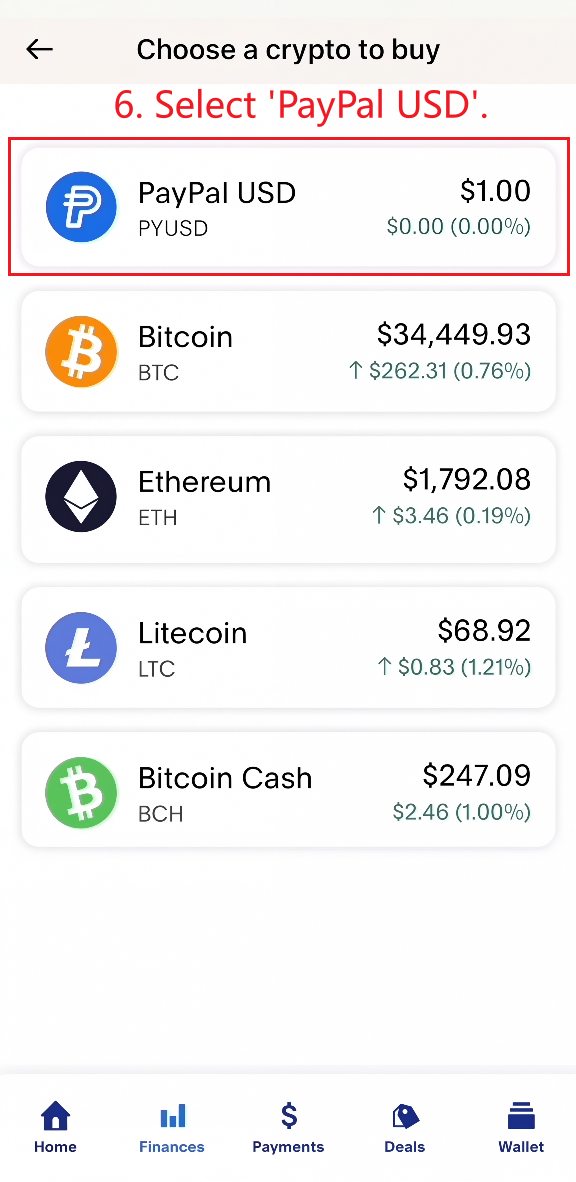
2. Selecione "PayPal USD" e insira o valor EXATO em USD necessário para o seu pedido.
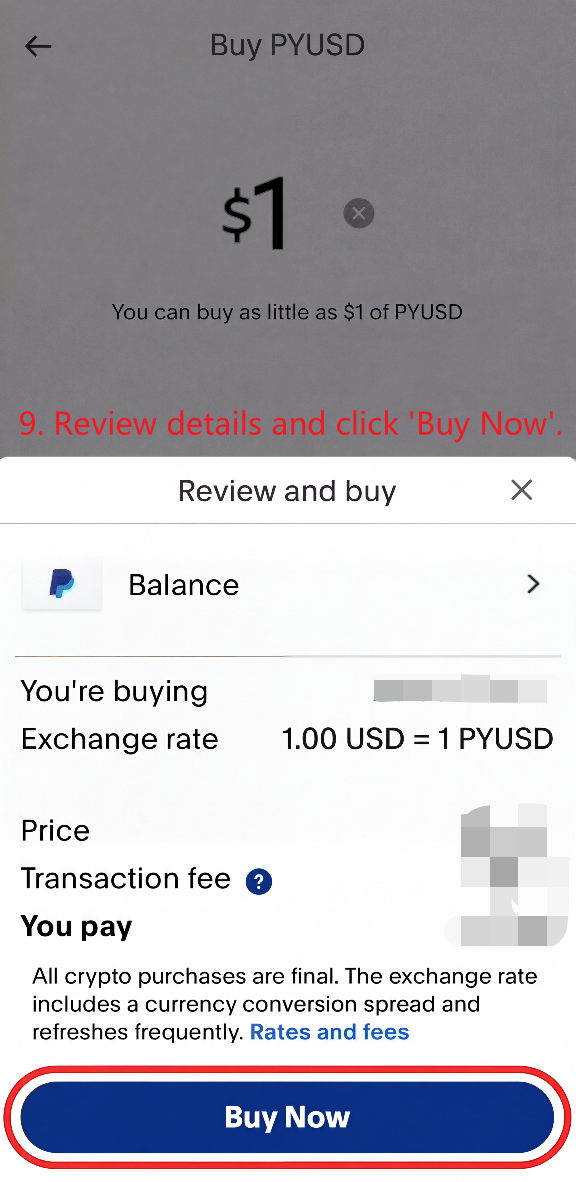
Revise os detalhes da transação e conclua a compra.
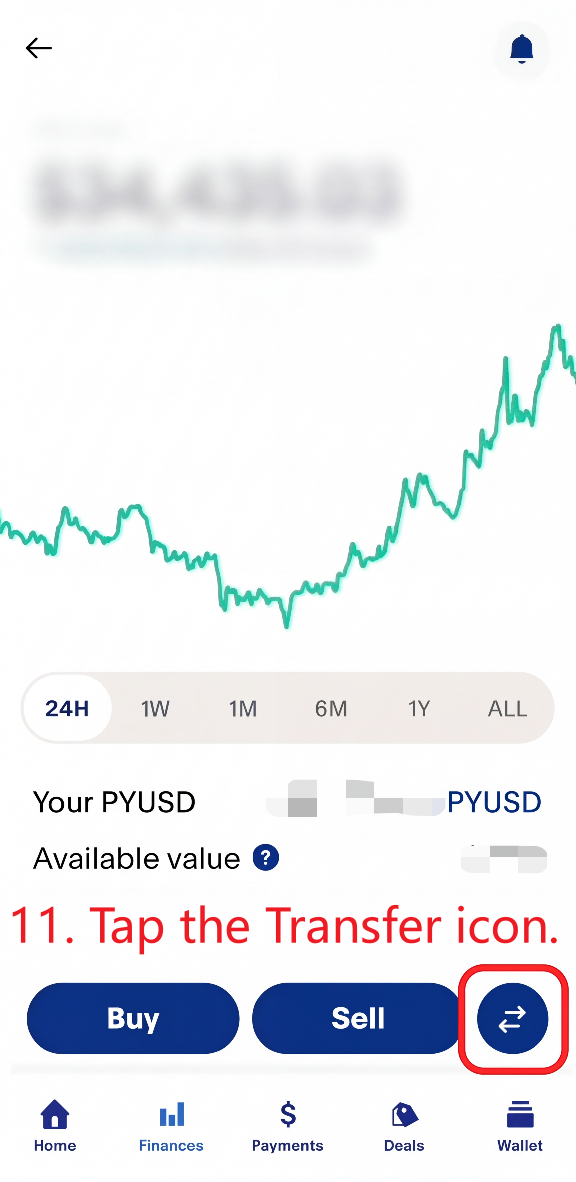
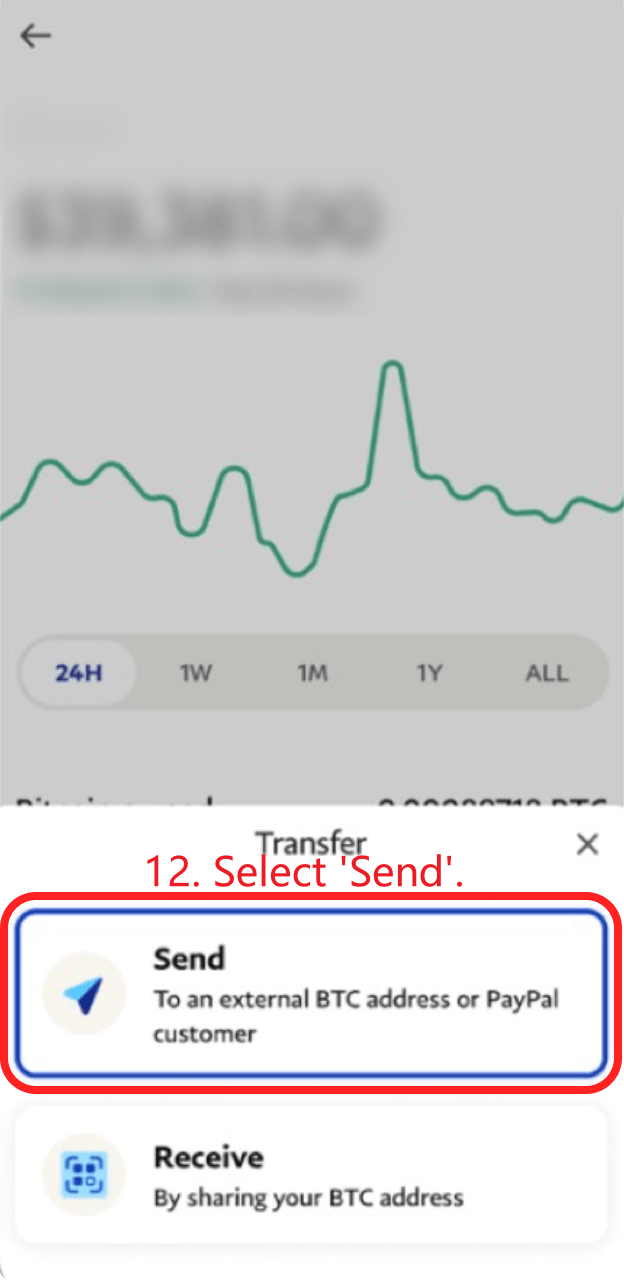
3. Toque no ícone de transferência e selecione "Enviar".
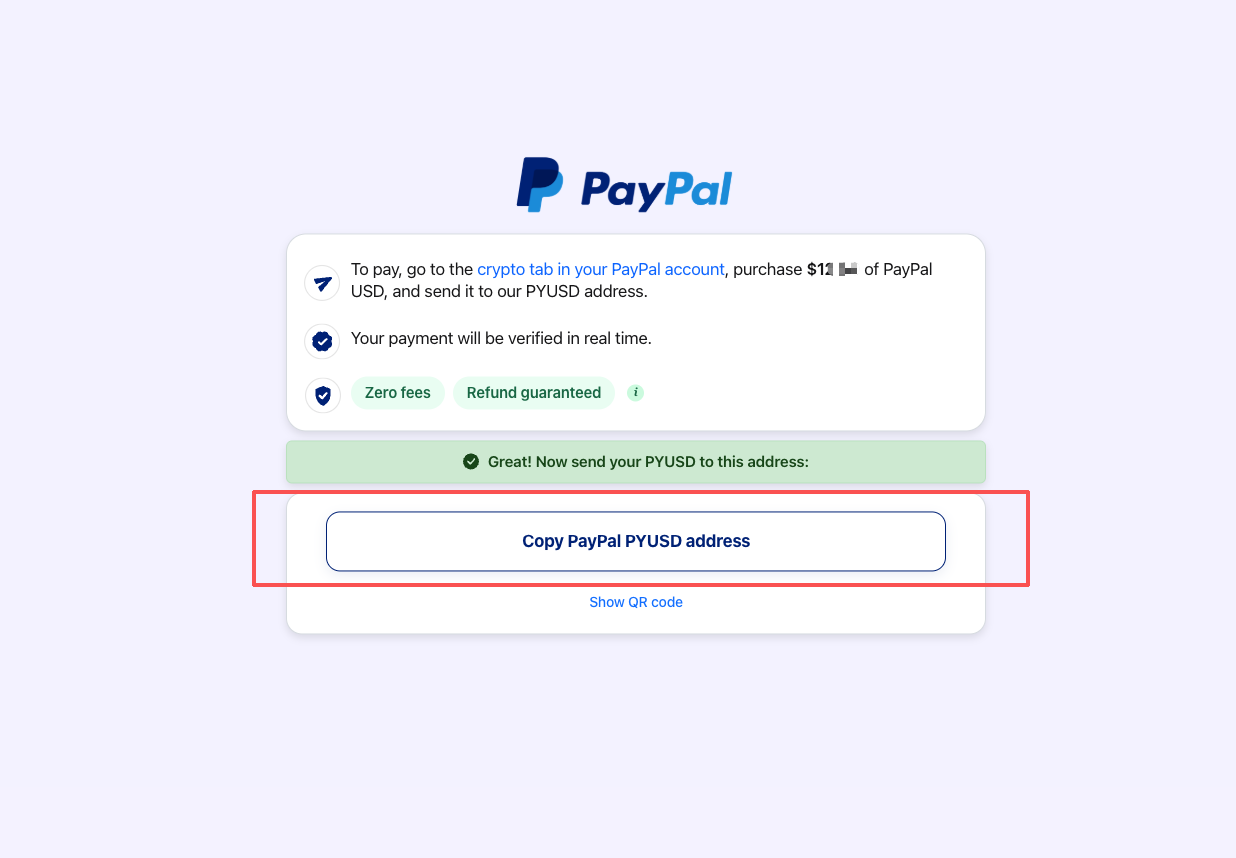
4. Volte à página de instruções do comerciante e copie o endereço PYUSD. Além disso, confirme se o valor exibido na página está correto.
O endereço PYUSD será exibido depois de clicar em “Continuar para o PayPal” e aguardar alguns instantes.
Não o digite manualmente e não reutilize um endereço antigo.
Importante: Ao copiar o endereço PYUSD, verifique o horário de expiração exibido no canto inferior esquerdo da página. Se a página de pagamento tiver expirado, feche-a e retorne à página de preços. Em seguida, clique em “Pagar com PayPal PYUSD” para abrir uma nova página de pagamento e obter um novo endereço PYUSD.
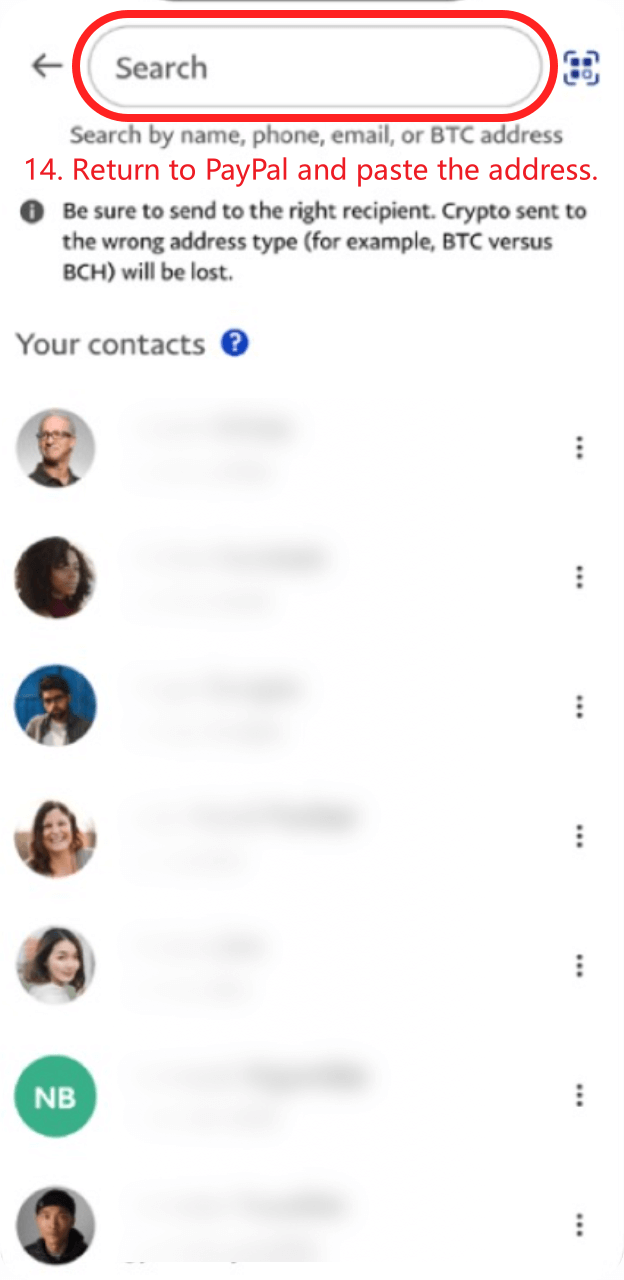
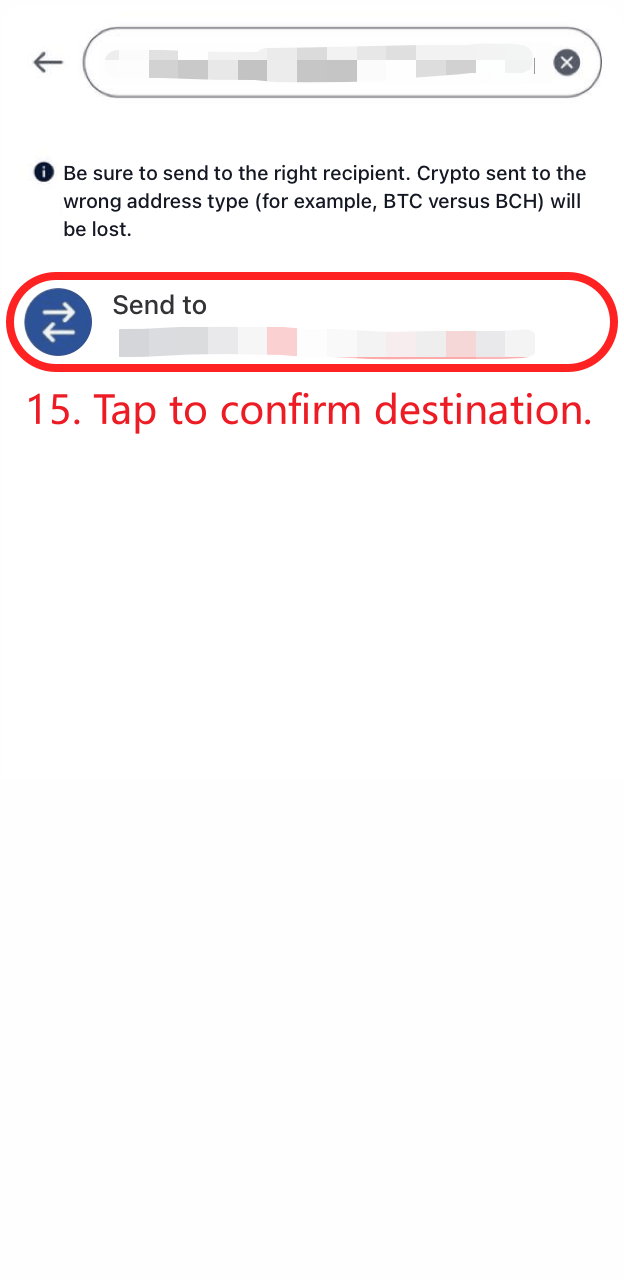
5. Volte ao PayPal e cole o endereço. Em seguida, toque para confirmar o destino.
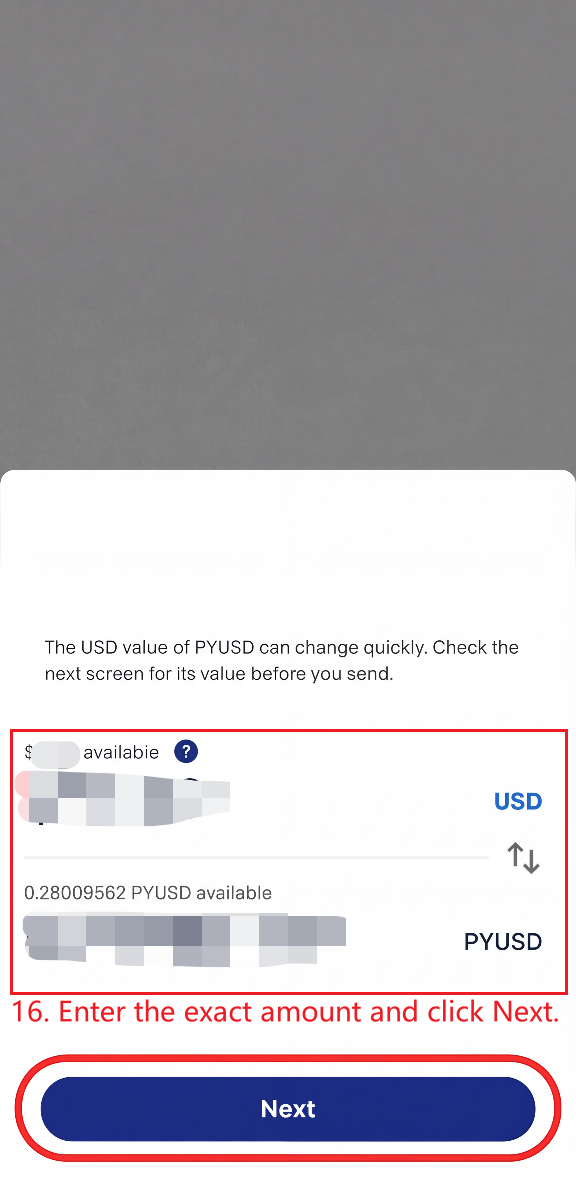
Insira o valor exato e clique em "Próximo". Clique em "Enviar agora" para concluir o pagamento!
Após um pagamento bem-sucedido, a atualização pode sofrer um atraso de até 2 minutos.
Acesse Preços
Se você tiver alguma outra dúvida, não hesite em entrar em contato conosco. E-mail: [email protected]