Site Logo
Crano AI
Image to Video AI ImageAI Music
AI Tools
ExploreCreatePricing
AI Tools
  • Image to Video
  • Text to Video
  • AI Image Generator
  • AI Music Generator
  • Mimic Motion
  • AI Anime Video Generator
  • AI Cinematic Video Generator
  • AI Short Drama Generator
  • Use Cases
Policies
  • Contact Us
  • Terms
  • Privacy Policy
  • Refund Policy
Site Logo
Crano AI

Make AI Generation simple and efficient
© 2026 Crano AI. All rights reserved

  • Email

Seedream 5.0

Seedream 5.0 is a unified multimodal image generation model released by ByteDance.
Featuring deep thinking and web search capabilities, it achieves significant improvements in comprehension, reasoning, and generation performance.

Image to Video

AI Image

Text to Video

Multi Reference

Mimic Motion

AI Music

Max 5 imgs
0/600
Original
2K
2 Outputs
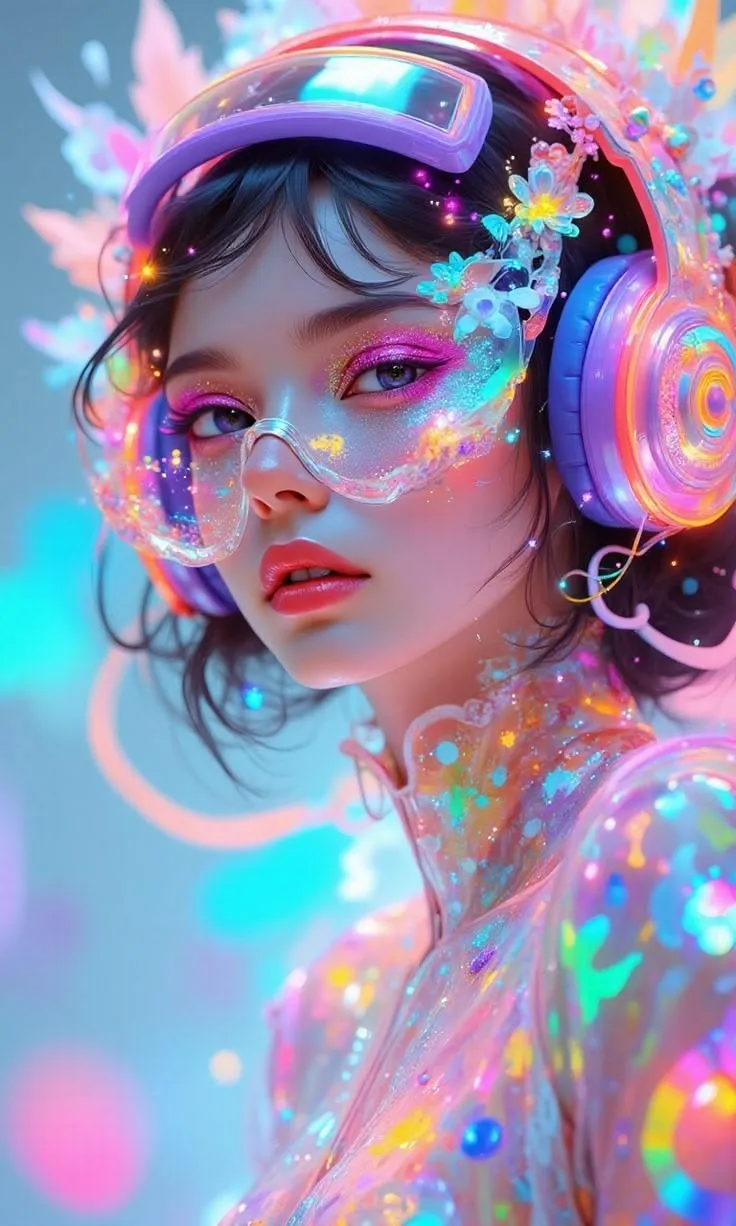
Infinite Effects, Vibrant Styles

Generate multiple image styles for different scenarios

Image Style - Comic
Comic
Image Style - Photorealistic
Photorealistic
Image Style -  Cyberpunk
Cyberpunk
Image Style - Oil Painting
Oil Painting
Image Style - Landscape
Landscape
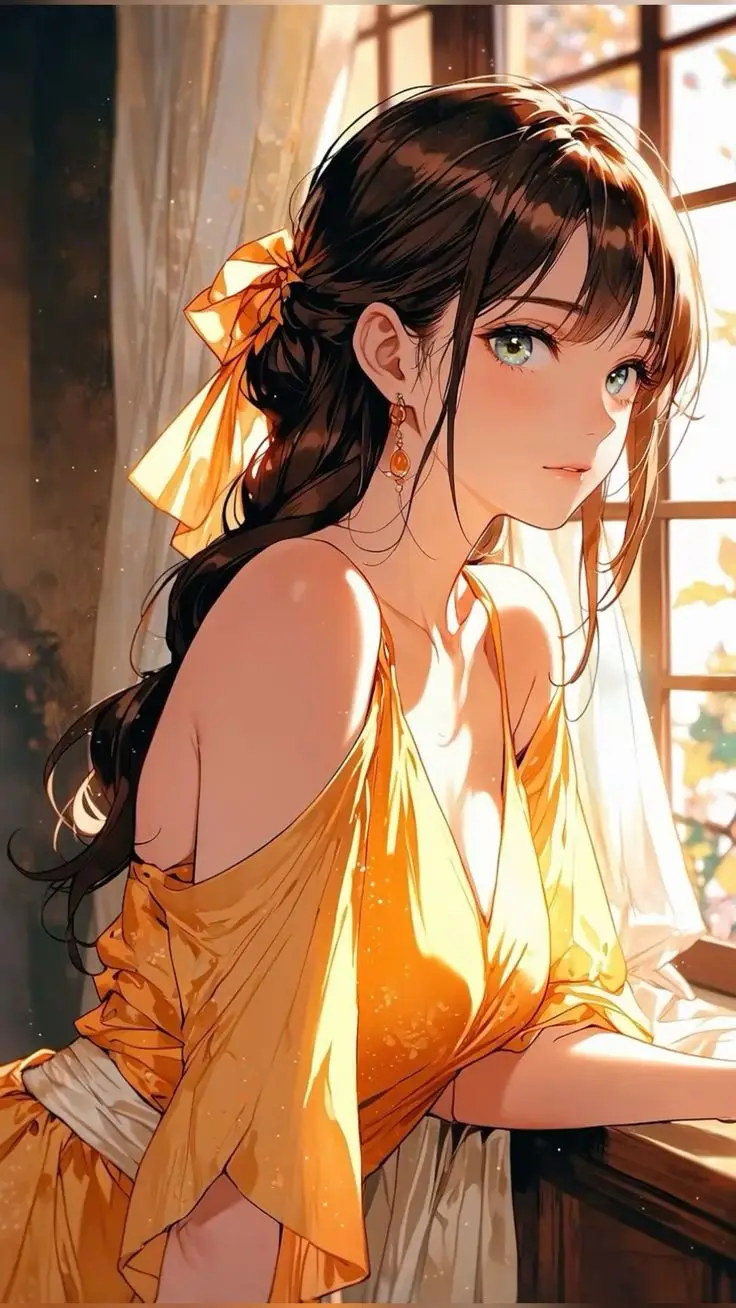
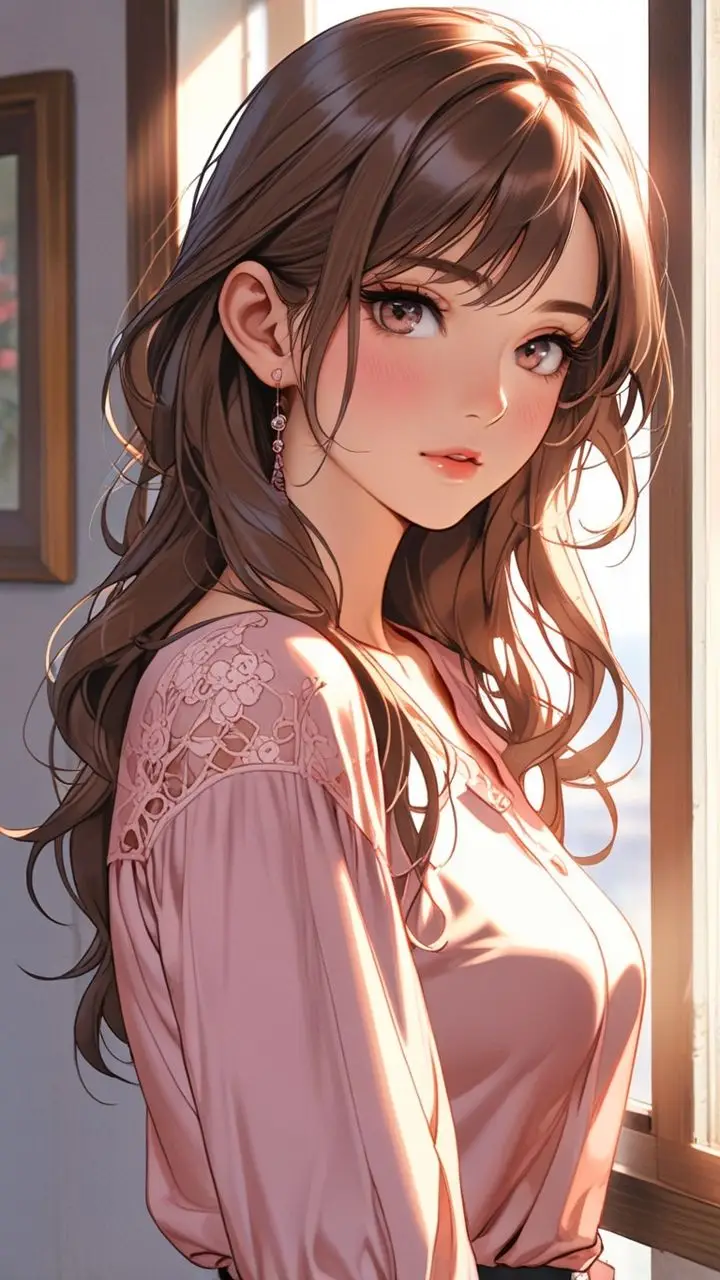
Image Style - Anime
Anime
Image Style - Comic
Comic
Image Style - Photorealistic
Photorealistic
Image Style -  Cyberpunk
Cyberpunk
Image Style - Oil Painting
Oil Painting
Image Style - Landscape
Landscape
Image Style - Anime
Anime
Image Style - Comic
Comic
Image Style - Photorealistic
Photorealistic
Image Style -  Cyberpunk
Cyberpunk
Image Style - Oil Painting
Oil Painting
Image Style - Landscape
Landscape
Image Style - Anime
Anime
Image Style - Comic
Comic
Image Style - Photorealistic
Photorealistic
Image Style -  Cyberpunk
Cyberpunk
Image Style - Oil Painting
Oil Painting
Image Style - Landscape
Landscape
Image Style - Anime
Anime
Create Images

Best Use Cases For Seedream 5.0

Seedream 5.0 natively supports text, single-image, and multi-image inputs, enabling subject-consistent multi-image fusion, image editing, grouped image generation, and more—making image creation more flexible and controllable.

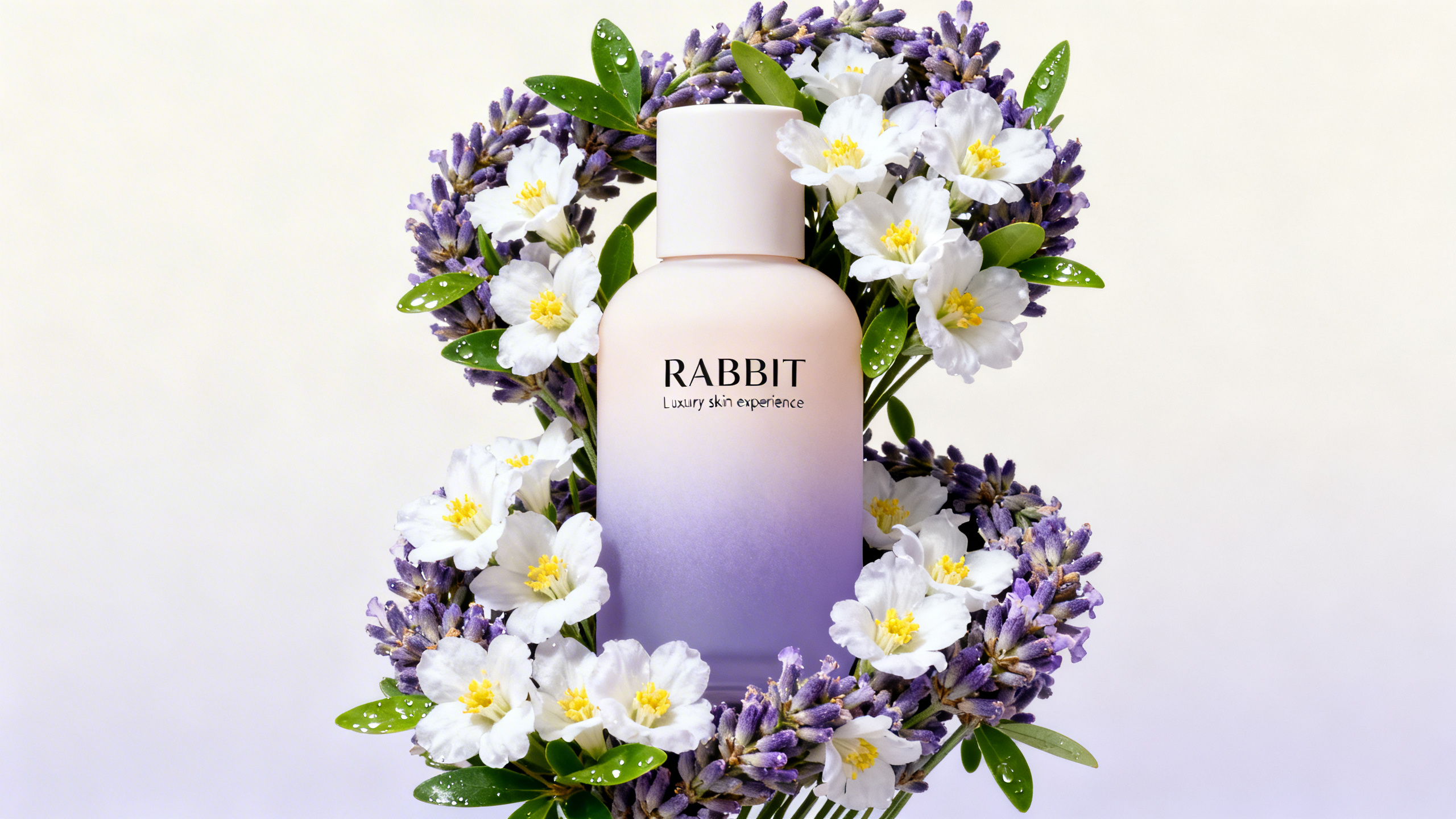
Product Showcases

Create stunning product images and showcase visuals that highlight features and drive sales conversions.

Social Media Content

Generate eye-catching visuals for YouTube, Instagram, TikTok, and Facebook to boost engagement and grow your audience.

Illustration • Manga • Manhwa

Generate professional-grade art in your preferred style—Japanese Manga, Korean Manhwa, Western comics, or custom illustration aesthetics.

Marketing & Advertising

Design compelling marketing visuals and advertising materials that capture attention and communicate your brand message effectively.

Educational Content

Generate clear diagrams, infographics, and educational illustrations that enhance learning and knowledge retention.

Branding & Logo Design

Create unique brand identities, logos, and design elements that establish memorable visual presence for your business.

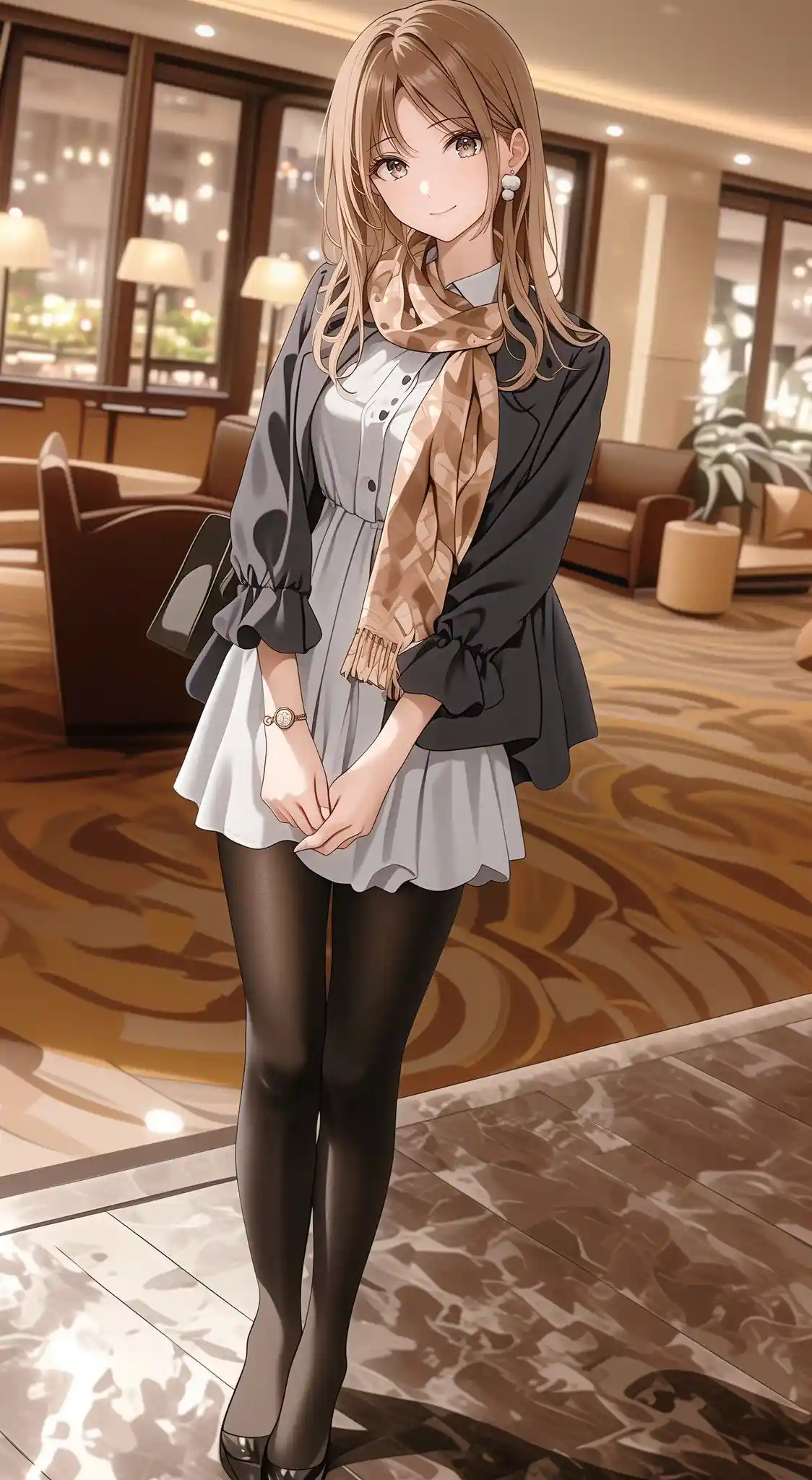
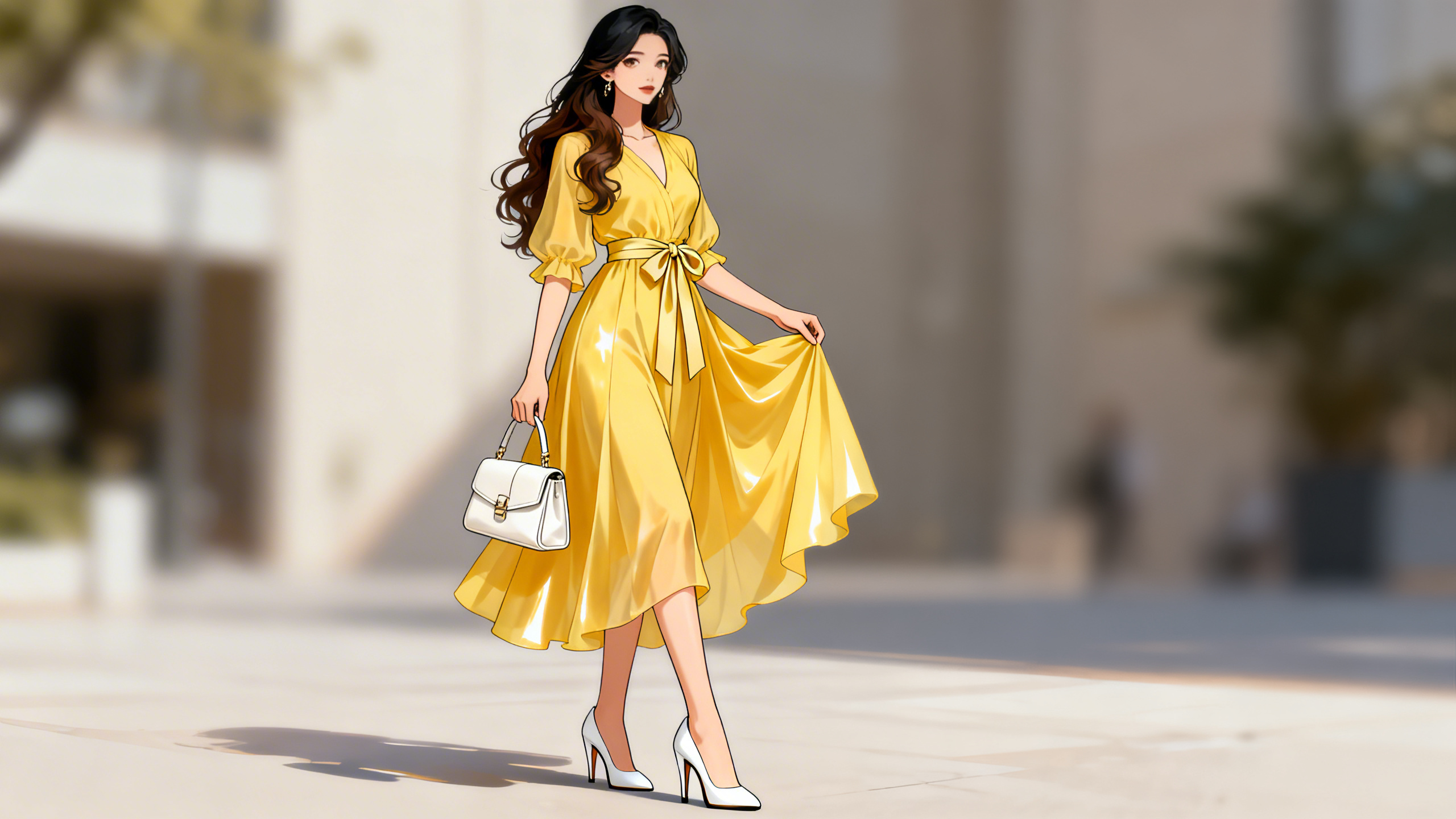
Fashion/Hairstyle Design

Design and visualize clothing styles, outfit combinations, and hairstyle variations with AI-powered creative tools.

Image Editing

Remove watermarks, restore photos, enhance to HD quality, translate image text to other languages, and more advanced editing features.

Scientific & Technical Visualization

Create detailed medical illustrations, architectural renderings, and engineering visualizations for professional and academic use.
Multiple Generation Modes

AI Image Generation

Text to Image:
Provide the model with a prompt, and it can use the online search function to integrate real-time web information, thereby improving the timeliness of image generation.
Image to Image:
Based on an existing image, image editing can be performed by combining it with text instructions, including adding or removing elements, style transformation, material replacement, color tone transfer, and changing the background, perspective, or size.
Multi-images to Image:
Using your text description and multiple reference images, it generates a new image by blending their styles and features. For example, combining clothes, shoes, and accessories with a model image to create an outfit image, or merging a person with a landscape to create a character-in-scene image.
Create Images
feature case
All-round upgrade

Model capabilities

Creativity with Precise Control:
Master various styles and layouts while every detail aligns with your instructions.
Connected to the Latest Trends:
Accompanies with online search capability, real-time news and topics can be visualized in an instant.
Think Beyond Imagination:
The model can intelligently perceive the intentions behind words to create exactly what you envision.
Model Performance:
Seedream 5.0 has significant improvement across core dimensions including prompt following and alignment.
Edit Images
feature case

How to use Seedream 5.0

Create and edit stunning images in just four simple steps

1. Enter Prompt or Upload Image

Start by typing a text prompt describing your desired image, or upload an existing image for editing or style transfer.

2. AI Generates Instantly

AI reads and analyzes your text, understanding context, tone, and intent to create the perfect visual representation.

3. Fine-tune Your Creation

Refine your results with our editing tools—adjust styles, modify elements, enhance quality, or regenerate with different parameters.

4. Download or Share

Share them instantly across social media or download for your projects.

FAQ

Try Seedream 5.0 on Crano AI

Transform your creative ideas into images with Crano AI's free AI image generator and editor.

Get Started Now