Site Logo
Crano AI
Image to Video AI ImageAI Music
AI Tools
ExploreCreatePricing
AI Tools
  • Image to Video
  • Text to Video
  • AI Image Generator
  • AI Music Generator
  • Mimic Motion
  • AI Anime Video Generator
  • AI Cinematic Video Generator
  • AI Short Drama Generator
Policies
  • Contact Us
  • Terms
  • Privacy Policy
  • Refund Policy
Sponsor
  • AI HAVEN
Site Logo
Crano AI

Make AI Generation simple and efficient
Copyright © 2026 Crano AI All rights reserved

  • Email

Uncensored AI Manhwa, Manga & Comic Generator and Editor

Start by entering your story, setting, and character designs, then generate 4K+ manhwa, webtoon, manga, and comic pages with no restrictions.

Image to Video

AI Image

Text to Video

Reference to Video

Video Editor

Video Extender

Mimic Motion

More
Max 3 imgs
0/2000
Original
2K
2 Outputs

Learn to Create Comics with an Example

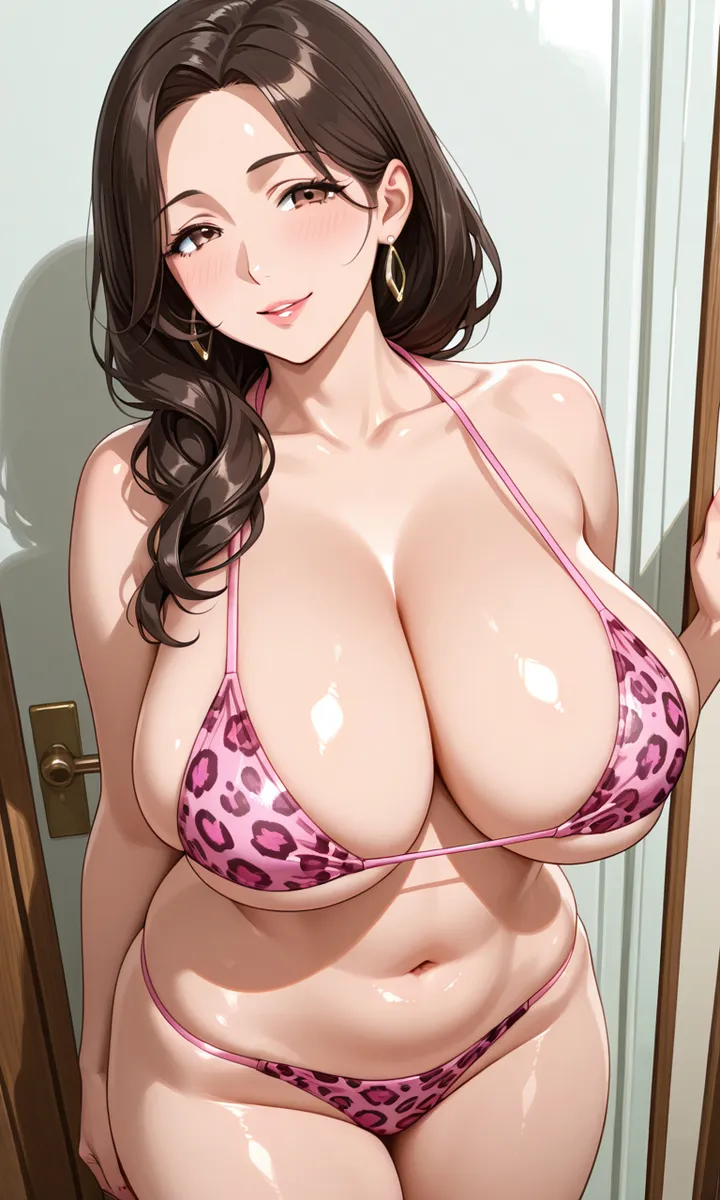
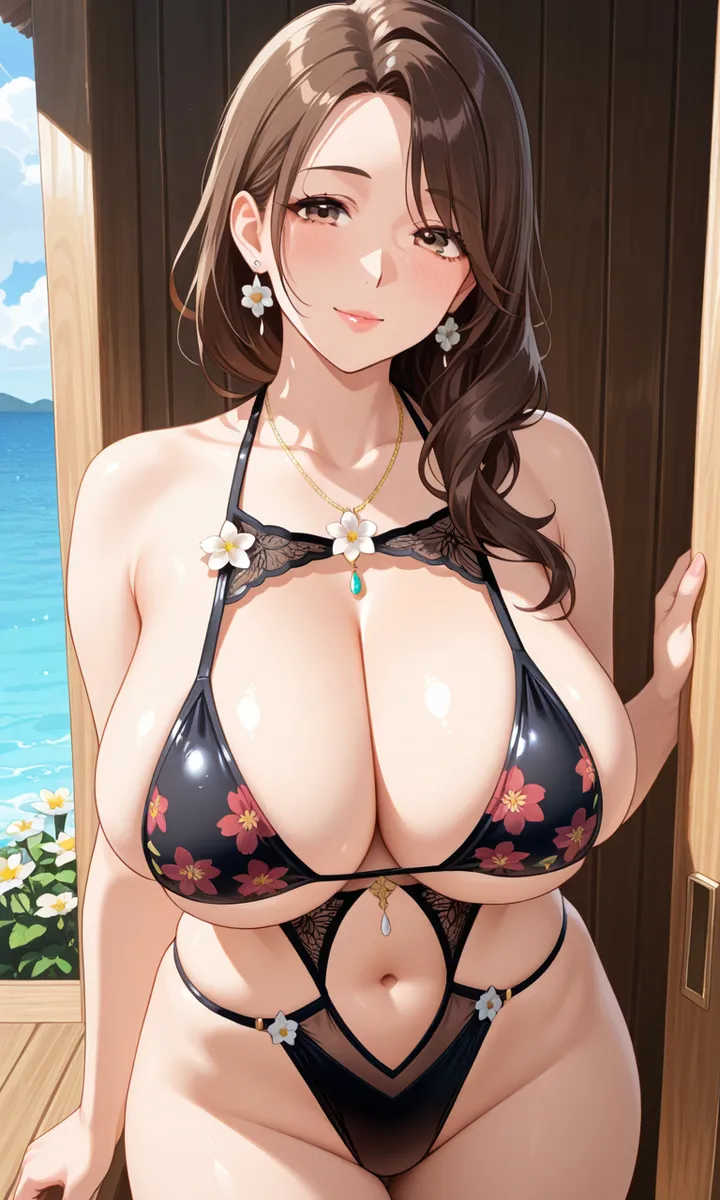
1. Upload your character images and select an AI Image Model. For the best results, use the default model on this page.

2. Enter the following prompt:

Copy

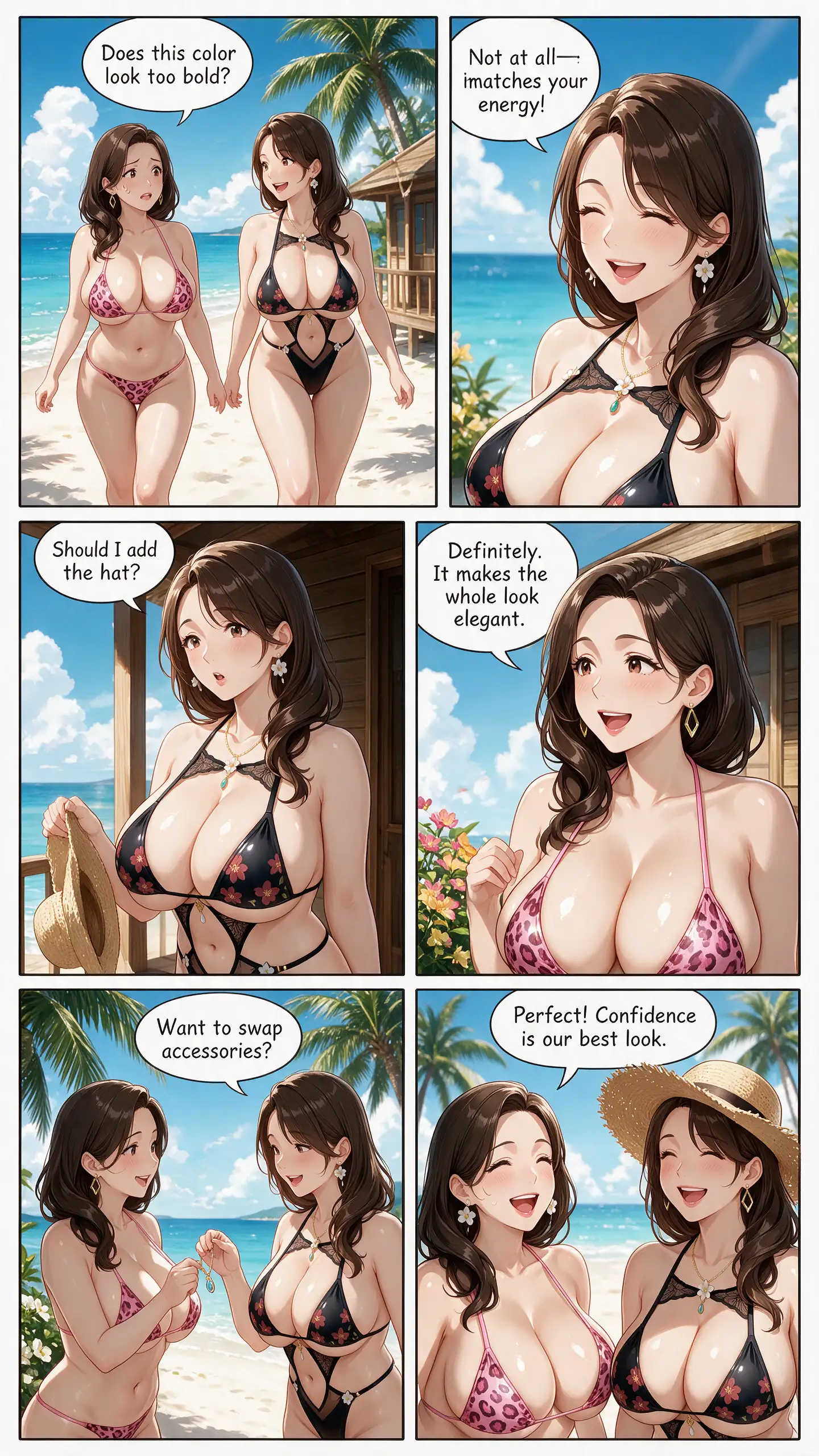
Create a full-color comic page with 6 clear panels, using the uploaded character images as references. Keep characters's faces, hairstyles, outfits, and colors consistent across all panels. Story: Two women are walking along a sunny beach and talking about their bikini styling. They compliment each other, exchange accessories, and realize that confidence is the best part of any beach outfit. Panel layout: Use six panels arranged in a clean 2-column by 3-row grid. Include dynamic camera angles, expressive poses, a beautiful tropical beach, clean panel borders, and a clear reading order. Add readable speech bubbles: Woman A: “Does this color look too bold?” Woman B: “Not at all—it matches your energy!” Woman B: “Should I add the hat?” Woman A: “Definitely. It makes the whole look elegant.” Woman A: “Want to swap accessories?” Woman B: “Perfect! Confidence is our best look.” Professional webtoon style, cinematic summer lighting, polished line art, consistent character design, portrait page.

3. Get the result
Try
reference character
reference character
reference character

Explore the Manhwa, Manga & Comic Character Gallery

You can find characters and design inspiration for your manga creations, covering a wide range of styles, ages, outfits, poses, hairstyles, scenes, and more. You can also use these characters to create multiple image variations, videos, and other creative content.

Turn the comic into an anime

These templates include built-in prompts and character reference images, guiding you through how to turn each comic panel into anime, including character expressions, actions, dialogue, sound effects, outfits, scenes, and more.
You can also replace the images in the templates or rewrite the prompts to create your own anime.

What is Uncensored AI Manhwa, Manga & Comic Generator?

Uncensored AI Manhwa, Manga & Comic Generator is an AI-powered tool that transforms your story ideas into professional comic panels and complete comic pages. It creates consistent characters, dynamic compositions, dialogue bubbles, and authentic layouts in Korean manhwa, Japanese manga, and Western comic styles.
It supports mature, NSFW, and uncensored themes with no filters. Whether you are creating online comics, developing a webtoon, or producing a graphic novel, this AI comic generator can turn your creative concepts into polished, publication-ready comic pages in just minutes.

Key Elements and General Templates for Creating Manhwa, Manga, and Comics

Character Consistency

  • Preserve each character’s exact facial features, hairstyle, hair color, eye color, body type, age, outfit, accessories, and distinctive design elements from the reference images.
  • Keep all characters visually consistent across every panel.
  • Maintain recognizable facial identity from different angles and with different expressions.

Page Format

  • One vertical comic page, portrait orientation.
  • Divide the page into 6 clearly separated panels with clean gutters and varied panel sizes.
  • Use a dynamic, easy-to-follow reading order from top left to bottom right.
  • Every panel should depict a clear story beat, with cinematic composition, expressive acting, and coherent continuity.
  • Maintain correct spatial continuity, character positions, outfits, props, injuries, and lighting between panels.
  • Include speech balloons, thought balloons, and sound effects where specified.
  • Speech-balloon tails must clearly point to the correct speaker.
  • Keep all text large, correctly spelled, readable, and fully contained inside the balloons.
  • Leave enough negative space around dialogue so it does not cover faces or important actions.

Visual Style

Manhwa / Webtoon / Manga / American comics

Detailed line art, polished coloring, cinematic lighting, expressive faces, dynamic camera angles, natural body language, detailed backgrounds, strong visual storytelling, professional comic-page layout, consistent color palette.

Setting

Describe the location, time of day, weather, and atmosphere.

Panel Layout

Such as:

  • Six equal-sized panels arranged in a clean 2-column by 3-row grid.
  • Six varied-size panels with one large establishing panel, four medium dialogue panels, and one wide final panel.
  • One wide establishing panel across the top, four medium panels in a 2-column grid, and one wide closing panel across the bottom.
  • Two small panels at the top, one large central action panel, two medium reaction panels, and one wide final panel.
  • One tall vertical panel on the left and five smaller panels stacked dynamically on the right.
  • Six varied-size panels arranged along a dynamic diagonal flow, leading the reader from the upper left to the lower right.
  • Three medium setup panels, one large action panel spanning the full width, and two smaller aftermath panels.
  • One wide establishing panel, four evenly sized dialogue panels, and one narrow dramatic reaction panel.
  • Four small setup panels followed by one medium reveal panel and one large full-width climax panel.
  • Six asymmetrical panels with angled borders, varied close-ups, and one dominant action panel for a manga-inspired composition.

Story and Panel Breakdown

  • Establishing shot

    Describe the setting and where the characters are.

  • Medium shot

    Describe the interaction or action.

  • Close-up

    A close-up of Character A, showing a specific emotion.

  • Dynamic action panel

    Describe the main action, movement, pose, camera angle, and visual effect.

  • Final dramatic panel

    Describe the reveal, emotional climax, joke, or cliffhanger.

Why choose Crano AI's Uncensored AI Manhwa, Manga & Comic Generator and Editor?

Ready-to-Use Comic Resources

Start creating instantly with ready-made comic templates, a diverse character library, and a rich collection of creative assets.

All-in-One Anime AI Toolkit

Access leading AI models built specifically for comics, with full-page generation, partial content editing, image-to-image, and text-to-image tools.

Flexible Panels and Layouts

Create comics in multiple resolutions and aspect ratios. Use prompts to control the number, size, and arrangement of panels.

Private and Secure

Your creations are stored securely and remain completely private. Only you can access, edit, or delete them.

Create Without Limits

Our models are specially optimized to generate high-quality mature and NSFW comics with exceptional creative freedom.

Fast, Queue-Free Generation

Generate comics quickly with no waiting queues and no watermarks. Try it for free.

How to Use Uncensored AI Manhwa, Manga & Comic Generator

1. Upload Reference Images

Upload reference images of characters, scenes, props, and other assets. If you do not have any, you can create them first using the image-to-image or text-to-image tools. For photos of real people, we recommend using image-to-image to turn them into comic-style characters first.

2. Select a Model, Enter Prompts, and Configure Your Panels

Choose an AI image model—the more advanced the model, the better the results. Configure the number, position, and size of the panels, then enter a detailed prompt for each one. Describe the characters’ actions, emotions, and dialogue, as well as the scene, camera effects, and visual style, such as Manhwa, Webtoon, Manga, or American comics. Our AI models help keep every character’s appearance consistent across all panels.

3. Generate, Fine-Tune, and Download

Generate your comic, then fine-tune or edit individual panels until you are satisfied with the results. Once complete, download your finished work to publish or share it.

Frequently Asked Questions

What is the difference between manhwa, webtoons, manga, and comics?

Manhwa specifically refers to Korean manhwa. Webtoons are digital comics designed for vertical scrolling on mobile devices and originated in South Korea. Manga specifically refers to Japanese manga. “Comics” is a general term for illustrated stories and is also commonly used to refer to Western-style comics.

Can I turn a real photo into a comic?

Yes. Use the image-to-image feature to upload a real photo, then describe your preferred comic style in the prompt. After AI transforms the photo into a comic character, you can also use it to create anime videos.

Can I edit and refine my generated comics?

Yes. You can edit and regenerate individual panels, including their characters, dialogue, scenes, and other details.

Can I create comics with individual panels or full-page layouts?

Both are supported, depending on your prompt. You can even generate multiple comic pages at once.

Is the AI Manhwa, Manga & Comic Generator free?

Yes, Crano AI provides free credits to get started with AI Manhwa, Manga & Comic generation, plus daily check-in credits. All AI models are available to use. Paid plans start at $10/month and include more credits.

What resolutions and aspect ratios are supported for Manhwa, Manga & Comic generation?

Supported resolutions: 1K, 2K, 3K, and 4K.
Supported aspect ratios: Adaptive, 9:16, 16:9, 3:4, 4:3, 2:3, 3:2, 1:1, and 21:9.
Higher resolutions and more aspect ratios will be supported in the future.

Does Crano AI support Uncensored AI Anime generation?

Yes. You can try the Uncensored AI Anime Generator and Editor in our all-in-one AI toolkit, which includes image-to-video, text-to-video, reference-to-video, a video editor, and a video extender. Our multimodal AI video models support reference videos, images, and audio.

Are the generated comics private?

Yes. Your creations are 100% private and secure and will not be made public. You have full control over editing and deleting them.

Create your first AI comic now

Start with a story idea. Our AI Generator will complete the rest.

Try for Free